Smart locks have transformed the way we manage access to our homes and businesses. Recent industry reports indicate that more than 20% of U.S. households have adopted smart lock technology. This shift is driven by the need for enhanced security and convenience. Many users seek answers to the question: "How do I share temporary access with a smart lock?" This capability helps manage guest access without compromising security.
Sharing temporary access is vital. It caters to various scenarios like Airbnb rentals or family visits. A 2022 survey found that 75% of smart lock users value the ability to grant temporary access. Providers have developed user-friendly applications that enable seamless access sharing. However, even the best systems have flaws. Miscommunication can lead to users feeling locked out or finding access confusing.
Understanding the process of sharing access is key to maximizing the benefits of smart locks. As technology evolves, ensuring your chosen smart lock meets your needs remains crucial. Users must be aware of potential issues in sharing access. Addressing these challenges can enhance convenience and security.
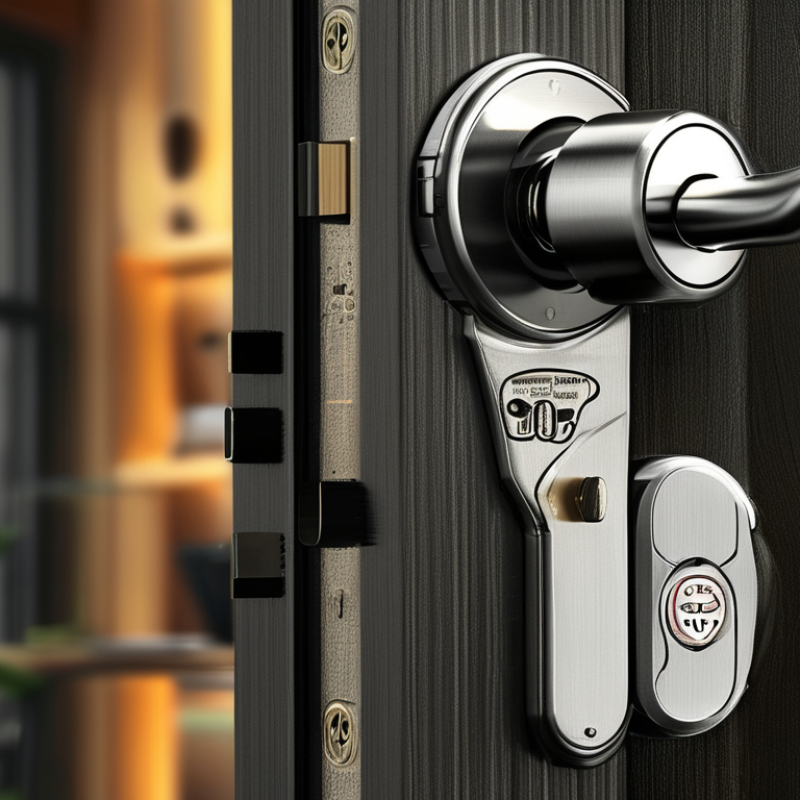
Smart locks are revolutionizing home security. These devices offer keyless entry and can be controlled remotely. This technology allows users to grant temporary access. A report by Technavio indicates that the smart lock market is set to grow by nearly 40% by 2025. This growth is driven by increased demand for convenience and security.
Smart locks come with various features. Most models include a smartphone app for managing access. Some offer temporary passcodes for guests. Data from a recent survey indicates that over 60% of smart lock users appreciate this feature. However, reliance on technology can pose a risk. System malfunctions could lead to lockouts or unauthorized access.
Security concerns persist. Experts emphasize the importance of regular software updates. Failure to update smart locks could lead to vulnerabilities. According to cybersecurity reports, over 70% of smart devices experience security breaches. Relying solely on smart locks without traditional keys may be imprudent. Access management should be approached thoughtfully, blending convenience with security awareness.
| Feature | Description | Benefits | Limitations |
|---|---|---|---|
| Temporary Access Codes | Generate unique codes that provide limited-time access. | Ideal for guests, deliveries, or maintenance without sharing permanent codes. | May require an app or web access to generate codes. |
| User Access Management | Manage who has access to the lock and when. | Easily revoke access when no longer needed. | Requires user registration and authentication. |
| Activity Logs | View logs of when and by whom the lock was accessed. | Enhanced security with insights into usage patterns. | May not provide real-time notifications. |
| Integration with Smart Home Systems | Connect with other smart devices (e.g., lights, cameras). | Create automated routines for security and convenience. | Compatibility can vary between devices. |
| Mobile App Control | Control the lock remotely using a smartphone app. | Convenience in managing access from anywhere. | Requires reliable internet connection for remote access. |
: Temporary access can be time-based or user-based. Time-based grants access for specific hours. User-based allows access for specific individuals.
Time-based access permits entry during designated hours, like 3 PM to 5 PM. This is useful for short visits.
Yes, each user can have varying levels of access. For example, a neighbor might get a code, while a cleaner may have weekly access.
Regular reviews help maintain security. Removing old permissions prevents unauthorized access. Security can be at risk if forgotten.
Install the smart lock and connect it to your smartphone. Create a guest profile, and send invitations through the mobile app.
Over-sharing access can lead to security vulnerabilities. Not every guest needs permanent entry, which could increase the risk.
Use temporary codes that expire. Send access codes privately. Monitor who has access with an activity log for better tracking.
Provide a brief tutorial on using the mobile app. This way, users can navigate it easily and feel more confident.
Regular software updates protect against vulnerabilities. Keeping the smart lock updated enhances overall security and performance.
It’s wise to change access codes regularly. This adds an extra layer of security against potential threats.
In the modern age of smart technology, sharing temporary access through smart locks has become a convenient solution for many households. Understanding smart locks and their features is essential, as they offer various ways to manage entry without the need for physical keys. To answer the question, "How do I share temporary access with a smart lock?" one can follow a systematic approach. This includes identifying the type of temporary access needed, such as time-limited codes or mobile app permissions, and then granting that access through the smart lock's interface.
Once temporary access is shared, it’s vital to manage and revoke this access safely when it's no longer needed. Adopting best practices, like regularly updating access settings and ensuring only trusted individuals have entry, can enhance security and ensure a seamless experience. By following these guidelines, users can effectively utilize smart locks for flexible and secure access management.

 Wipan Lock