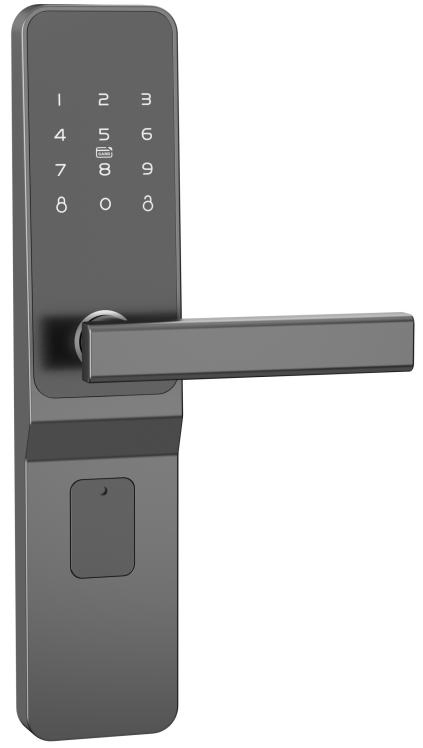
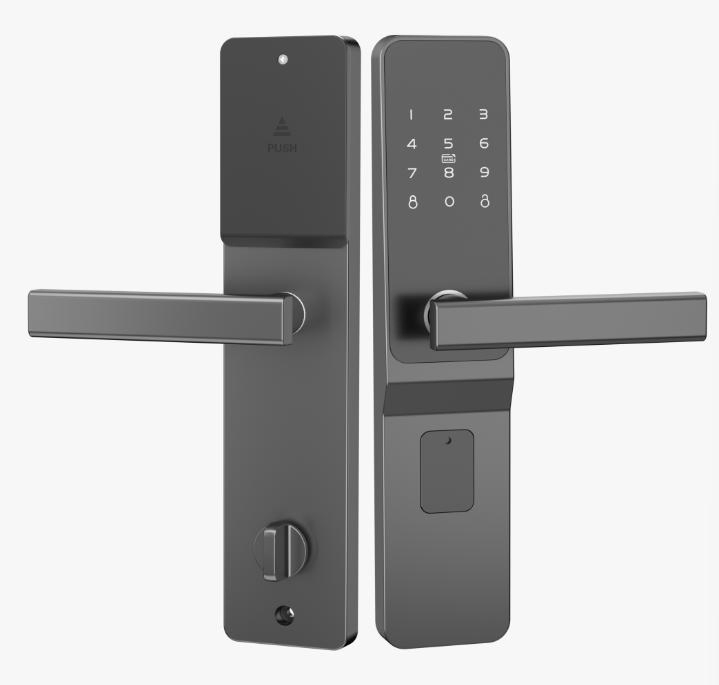
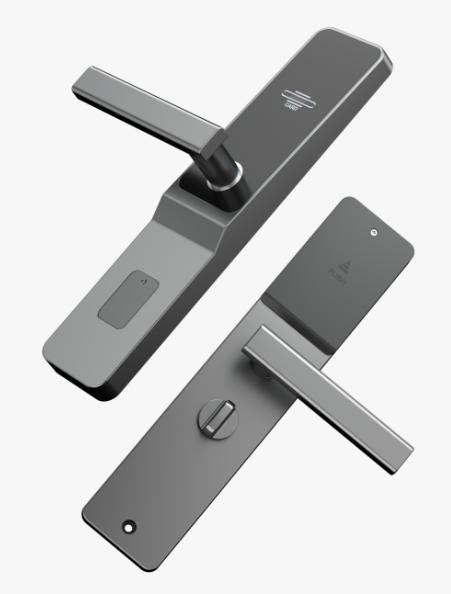
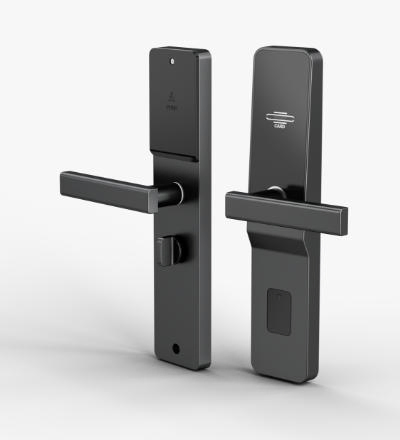
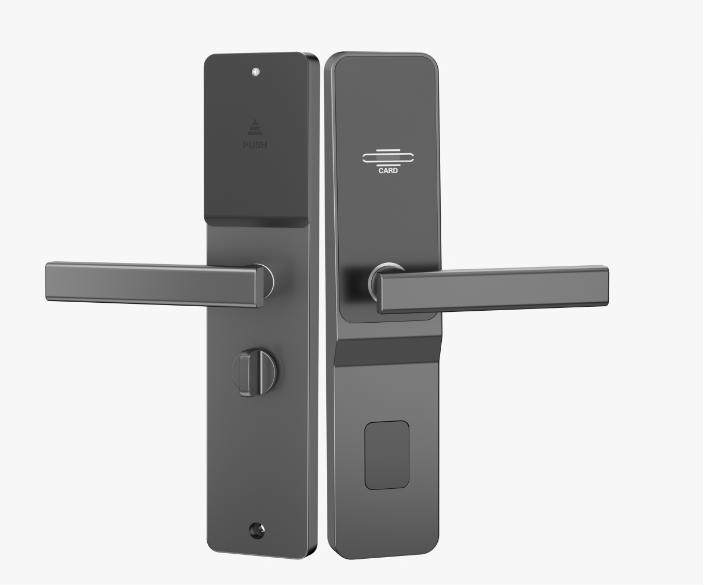
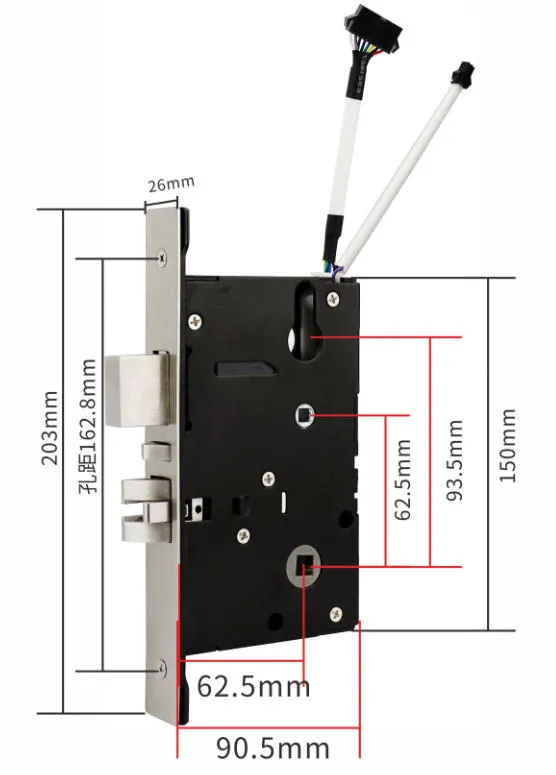
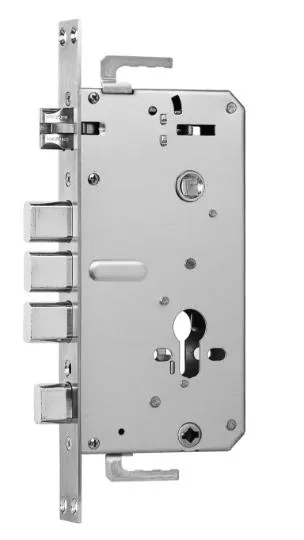
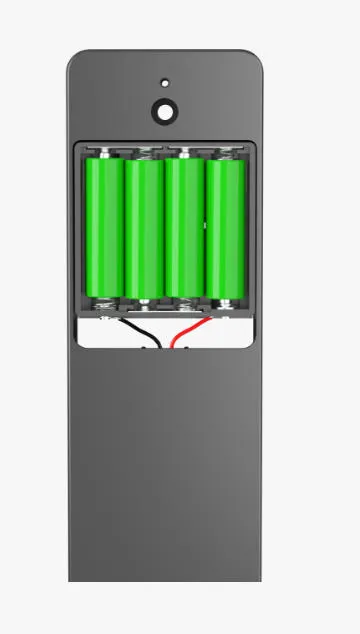
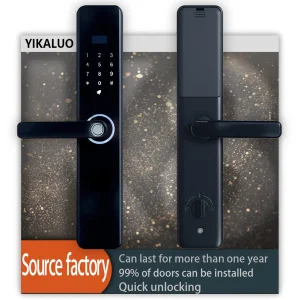
A. Setting the Master Card and Master Password
Setting the master card: Press the initial button (mechanical key) 5 times to restore the factory state. Then read a Mifare 1k card. A short beep and a long beep indicate this card is successfully set as the master card. The master password will reset to 123456.
Change the master password (Clearing all user information): Enter Original master password + press unlock key + 1 + New master password + press unlock key + New master password + press unlock key.
B. Add User
Add unlocking password: Enter Master password + press unlock key + 8 + New opening password + press unlock key + New master password + press unlock key.
Add unlocking card: Read the master card 2 times + read new card (can be added continuously).
C. Deleting User
Deleting a single unlocking password: Enter Master password + press unlock key + 4 + Previous password of the lost unlocking password + press unlock key (can be deleted continuously).
Deleting all unlocking passwords: Enter Master password + press unlock key + 0 + press unlock key + 0 + press unlock key.
Deleting a single unlocking card: Read the master card 3 times + read the unlocking card to delete it (can be deleted continuously).
Deleting a single lost unlocking card: Read the master card 4 times + place the card registered before the lost opening card near the induction area to read once.
Deleting all unlocking cards: Read the master card 5 times.
D. System Settings
Change Stand-alone model to Combined (double-unlocking) model: Enter Master password + press unlock key + 6 + press unlock key.
Change Combined (double-unlocking) model to Stand-alone model: Enter Master password + press unlock key + 5 + press unlock key.
E. Unlocking and Setting Configurations
Stand-alone Model:
(1) Read card to open the lock; it will automatically lock after 5 seconds.
(2) Enter password + press unlock key to open the lock; it will automatically lock after 5 seconds.
Within 5 seconds after password entry:
a. Change password: Enter 1 + New password + press unlock key + New password + press unlock key.
b. Stay-open settings: Enter 3 + 7 + press unlock key to set stay-open status.
c. Remove stay-open status: Read an opening card or enter the opening password to rotate the motor and open the door; the stay-open status will be removed once closed.
Combined (double-unlocking) Model:
(1) Master password or Master card can open the door directly alone (no double authentication required).
(2) Unlocking password (or unlocking card) + Unlocking card (or unlocking password).
Note:
a. Combined model cannot change the unlocking password. To activate stay-open: 3 + 7 + press unlock key.
b. Entering the wrong password 5 consecutive times will lock the keypad for 2 minutes.
F. Other Functions
Invalid Password Alert: Three short beep sounds and red lights flashing.
Invalid Card Alert: Six short beep sounds and red lights flashing.
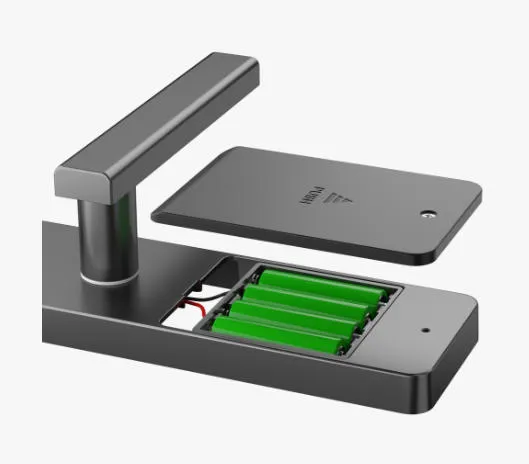
Low Battery Warning: When opening the door, three "tick" sounds will emit and red lights will flash.
Garbled Security Password: To protect security, the system supports a garbled code function. For example, if the correct password is 123456, you can input any numbers before or after it (up to a 32-bit total input), such as 0991234567890.
 Wipan Lock